Do I need an account?
No. Menu Planner 2 opens straight to your Home screen, and everything stays on your device. You only need a free account for Premium + Sync, to sync between devices or share with your household. There’s no password: sign in with a code sent to your email, or with Apple or Google.
Is it really free?
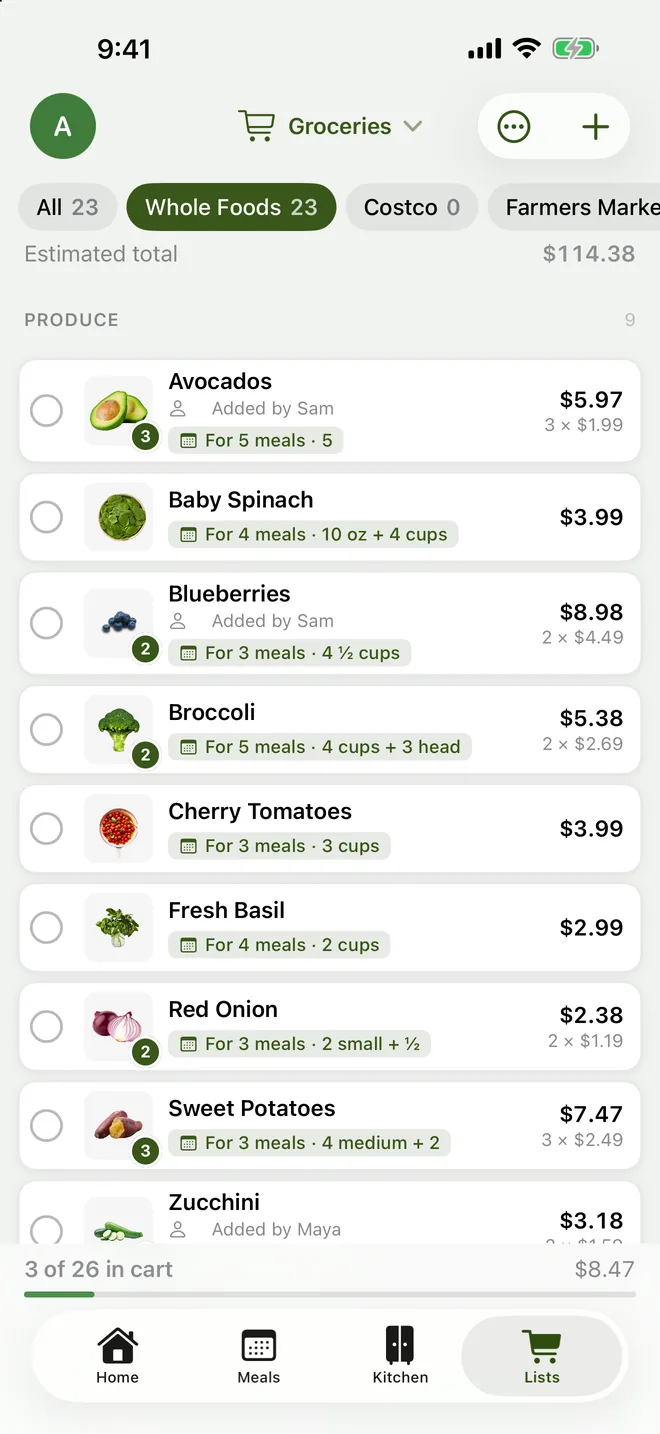
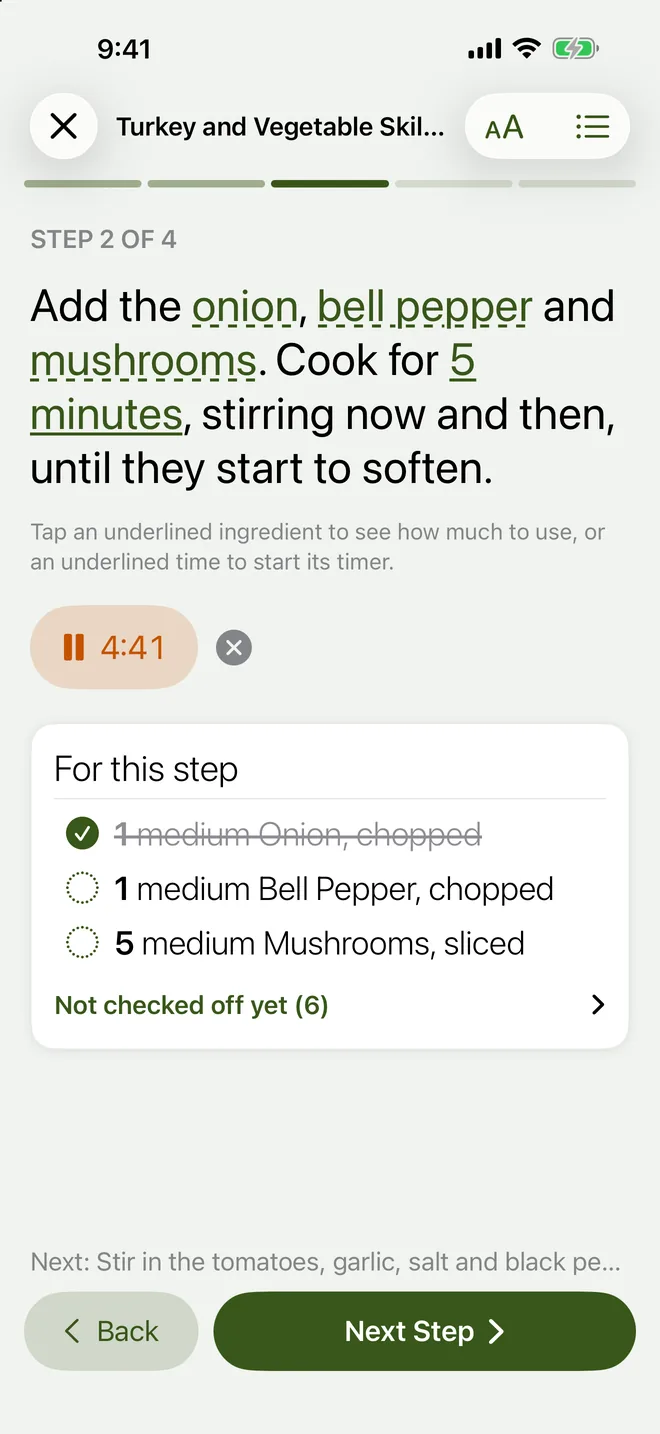
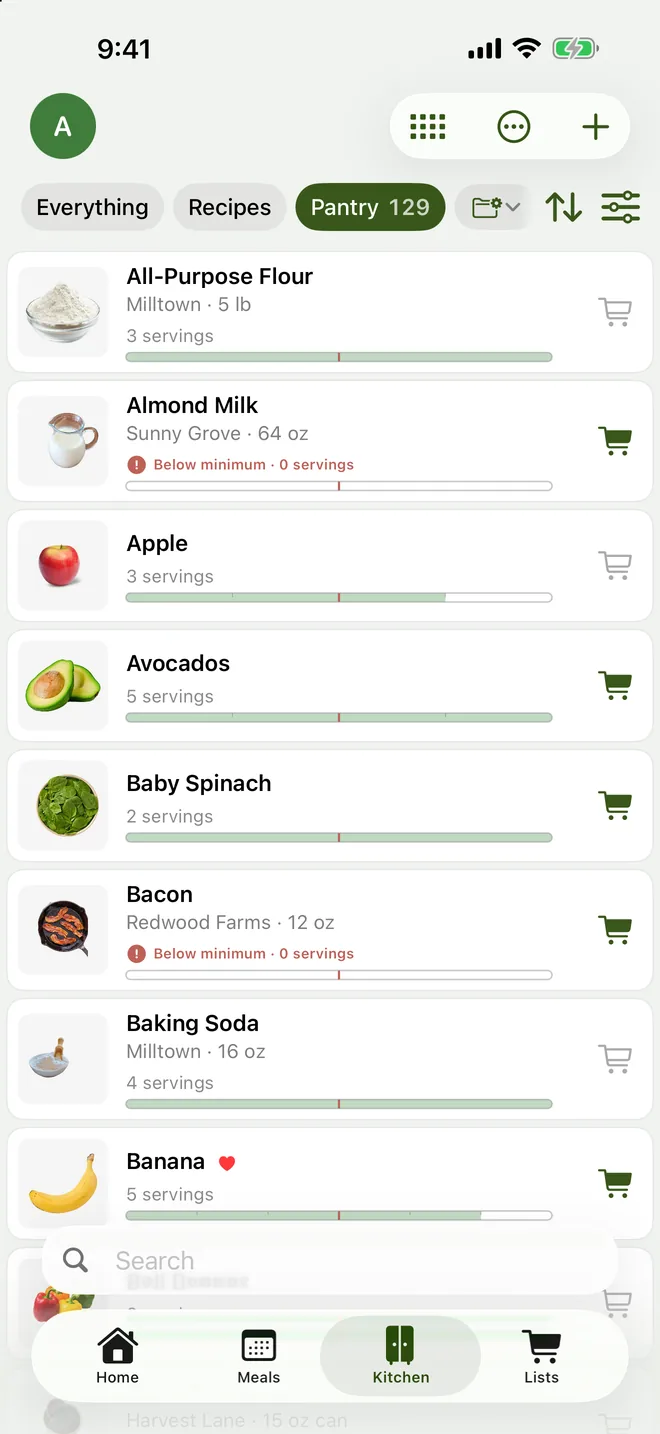
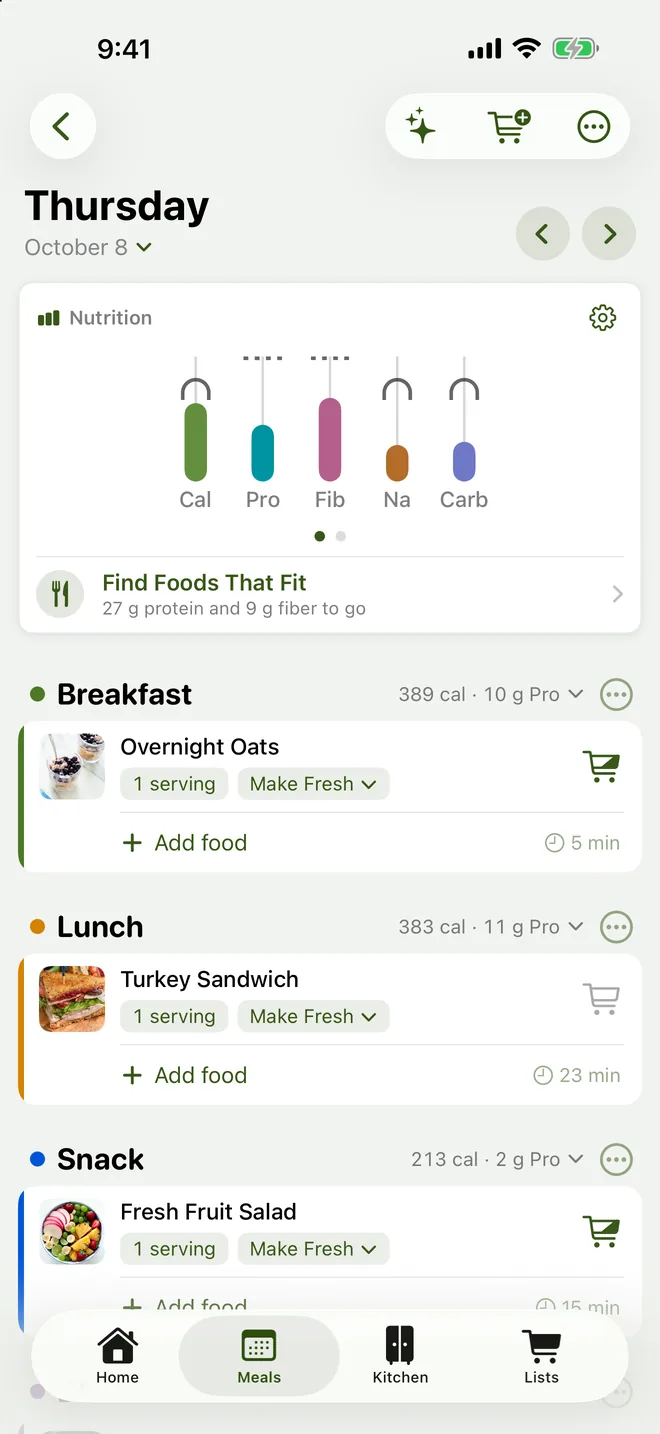
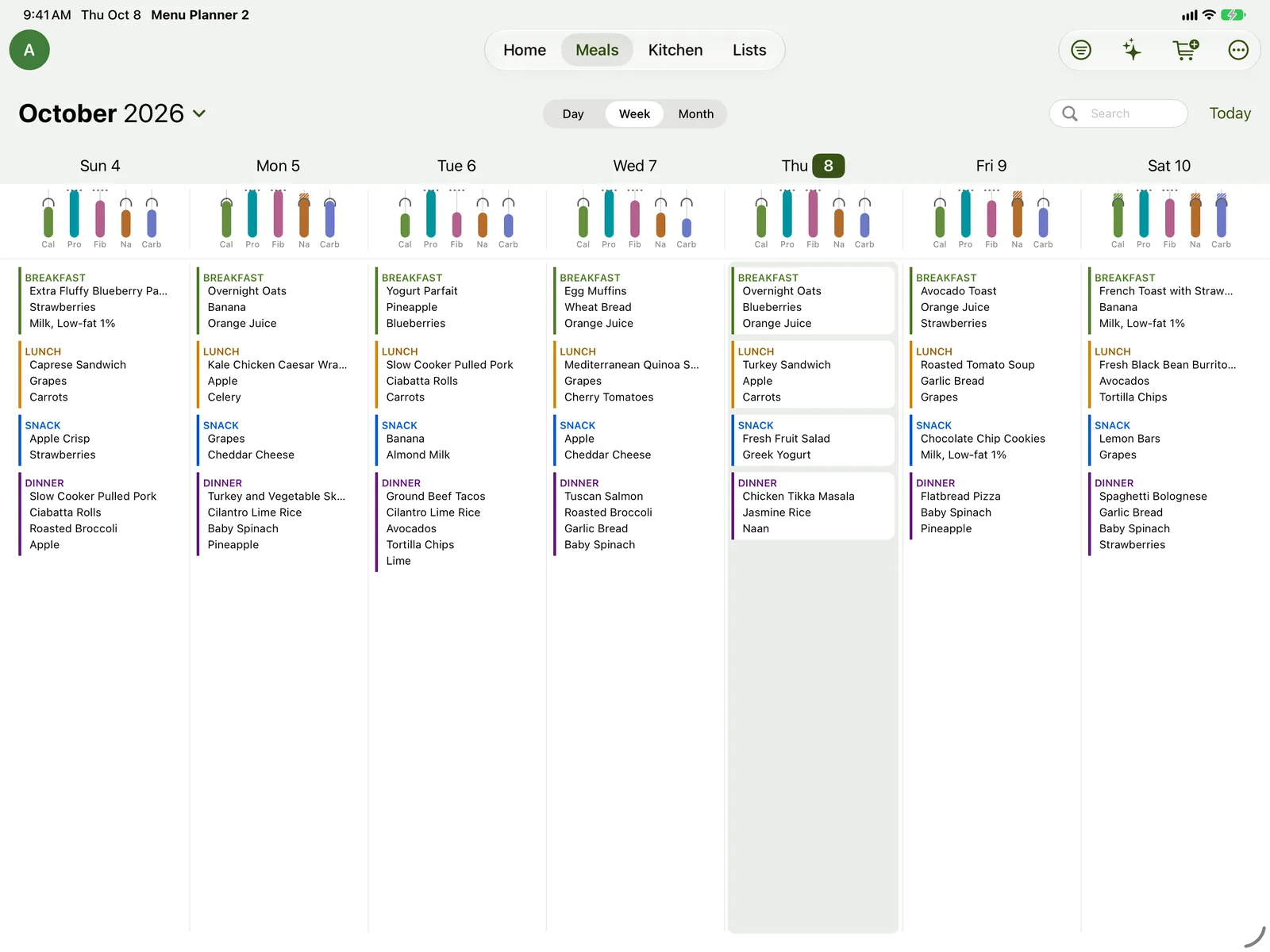
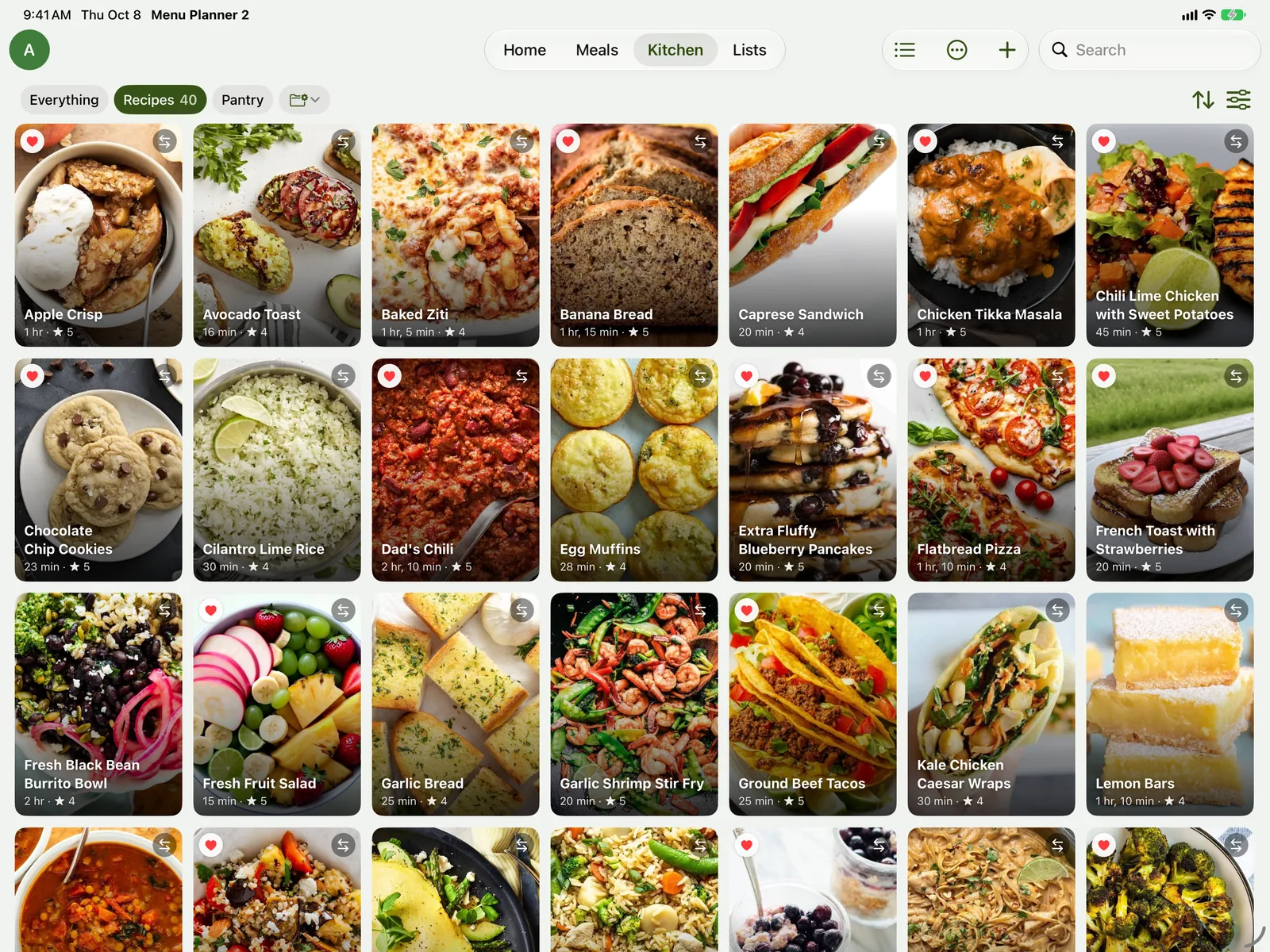
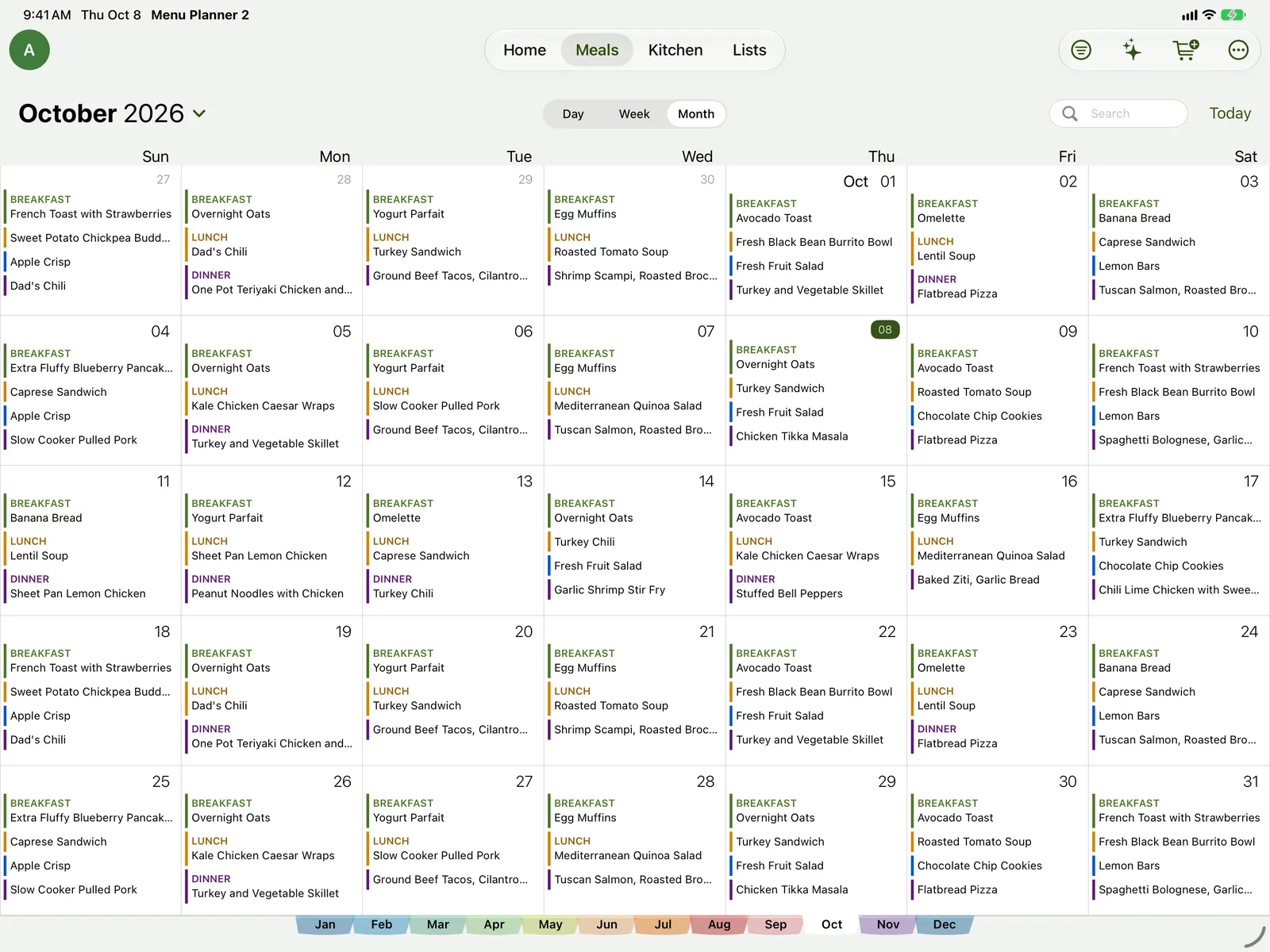
Yes. Meal planning, recipes, recipe import, Cook Mode, the shopping list sorted by aisle and pantry tracking are all free, with no ads and no time limit. Premium adds things like Suggest Meals, more lists and profiles, and pantry photos. Premium + Sync adds syncing, backup and household sharing.
Which devices does it work on?
iPhone and iPad with iOS 17.6 or later, Mac with macOS 26 or later, and Android phones and tablets with Android 12 or later. The free version works on each one by itself. With Premium + Sync and a free account, your recipes, meal plans, lists and pantry stay the same on all of them, so you can plan on the Mac and shop with your phone.
Can my family use it too?
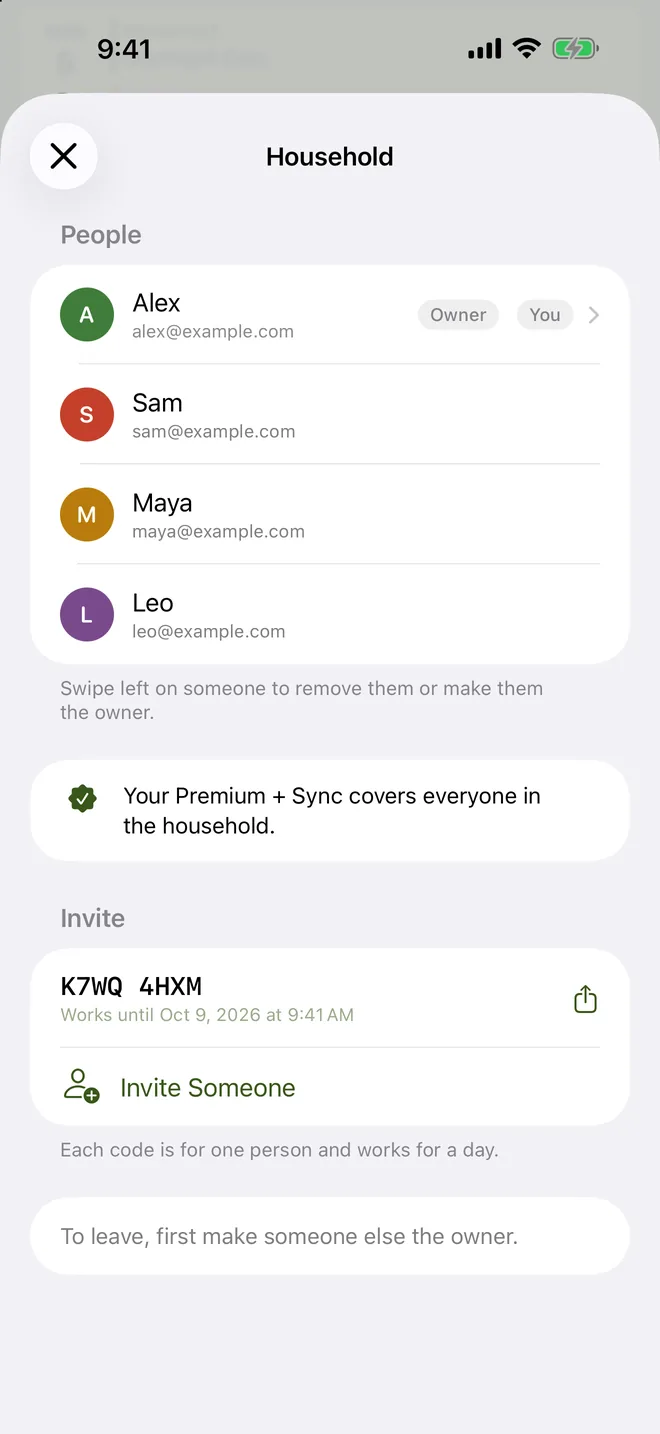
Yes. With Premium + Sync, invite up to five people to your household. Each person signs in on their own device, and you all share the same recipes, meal plans, shopping lists and pantry. One subscription covers everyone, and joining is free.
What happens if I cancel Premium + Sync?
Your data stays on your device and syncing stops. If you’ve paid for eight months (they don’t have to be in a row), or bought a year, the Premium features stay unlocked for good in the app you subscribed in.
I used the original Menu Planner. Can I bring my data?
Yes. If the original app is on the same device, Menu Planner 2 offers to bring over your recipes, pantry, meal plans, shopping list, stores, tags, templates and profiles. The original app’s data isn’t changed. More about moving in.
I use the original Menu Planner. Where do I sign in?
The original app’s website is still there for you. Sign in with your Menu Planner sync account to manage your data, just as before. When you’re ready to move to Menu Planner 2, install it on the same iPhone or iPad and it offers to bring everything over.
Does it work without an internet connection?
Yes. Your meal plans, recipes, pantry and lists live on your device, so you can plan and shop in a store with no signal. Things that look something up — importing from a website, barcode and nutrition lookup, image search — need a connection, and syncing catches up when you’re back online.
Which languages does it come in?
English, Spanish, French, German, Portuguese (Brazil) and Italian. It follows your device’s language, or you can choose one just for Menu Planner 2.
Where can I get help?
Browse the help guide, or write to me. I read every message myself.
 Menu Planner 2